

A project contains references to your images on disk, edits, and Looks used. We don’t touch your RAW files. They are .apheraproject files. Projects are stored in ~/Pictures/Aphera.
Creating a Project
File > New Project creates a new, empty project.
Opening a Project
File > Open Project opens a file browser to select an existing project.
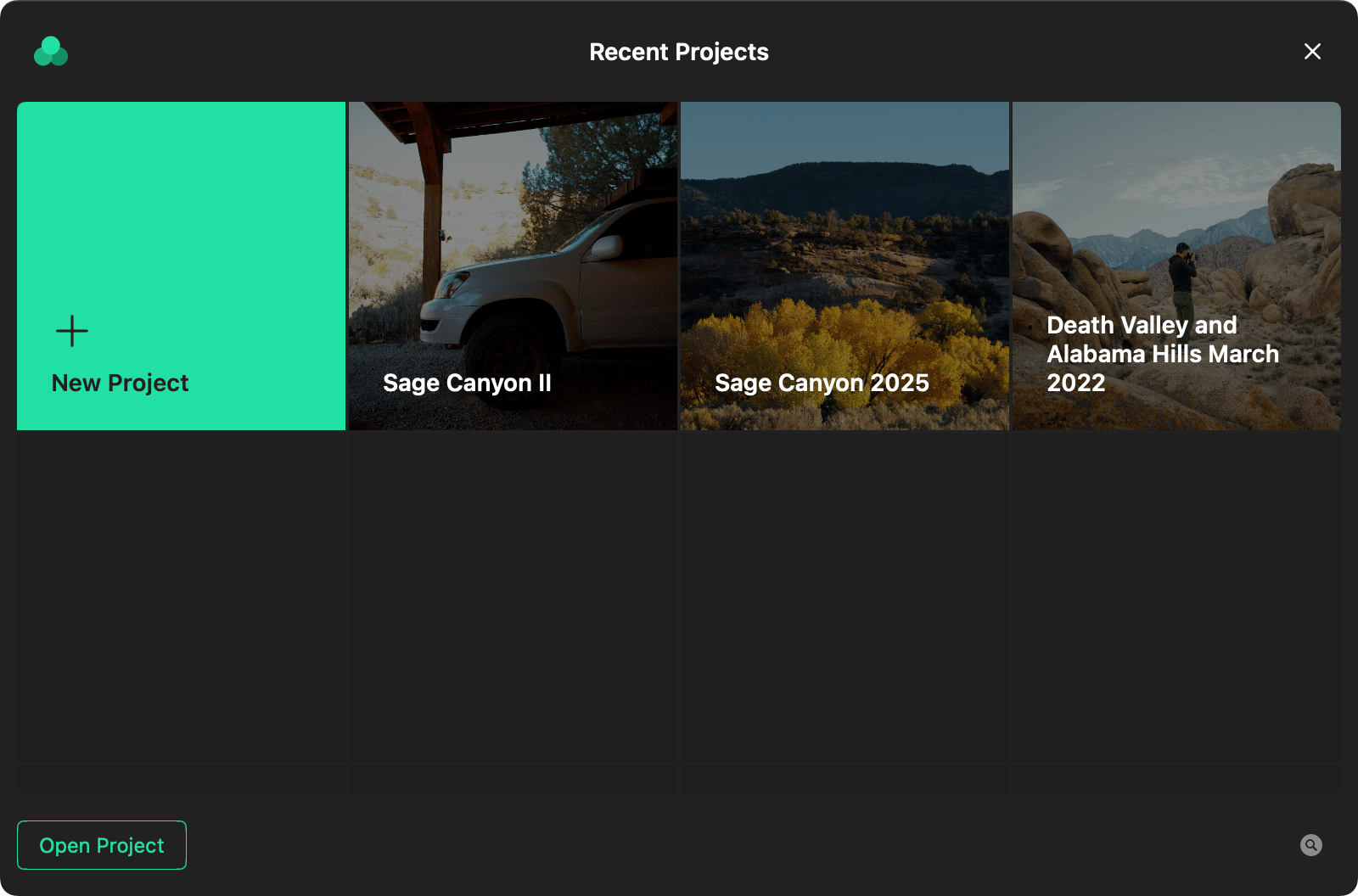
When you launch Aphera without an open project, the Project Launcher window displays a list of recent projects.
Closing a Project
File > Close Project closes the current project window.
Saving a Project
File > Save Project saves the current project state.